A website screenshot can look quite different once it sits inside a browser window. Chrome tabs place a dashboard in a familiar desktop setting, Safari controls suggest a Mac or iPhone, and a simple unbranded frame lets the webpage itself take center stage. The details matter when you prepare portfolio images, client presentations, and responsive design previews.
In this post, we collected 100+ of the best free browser mockups and templates for desktop and mobile websites, with more than 100 previews across Chrome, Safari, Firefox, Edge, and minimal browser styles.
You’ll find Figma templates, Photoshop mockups, Sketch files, and vector artwork, including light and dark frames and older browser designs for projects that need them.
Updated: October 27, 2026
Browse Browser Mockups
- Page 1: Chrome & Mobile Browser Mockups
- Page 2: Firefox Browser Mockups
- Page 3: Safari Browser Mockups
- Page 4: Edge & Other Browser Mockups
Chrome & Mobile Browser Mockups
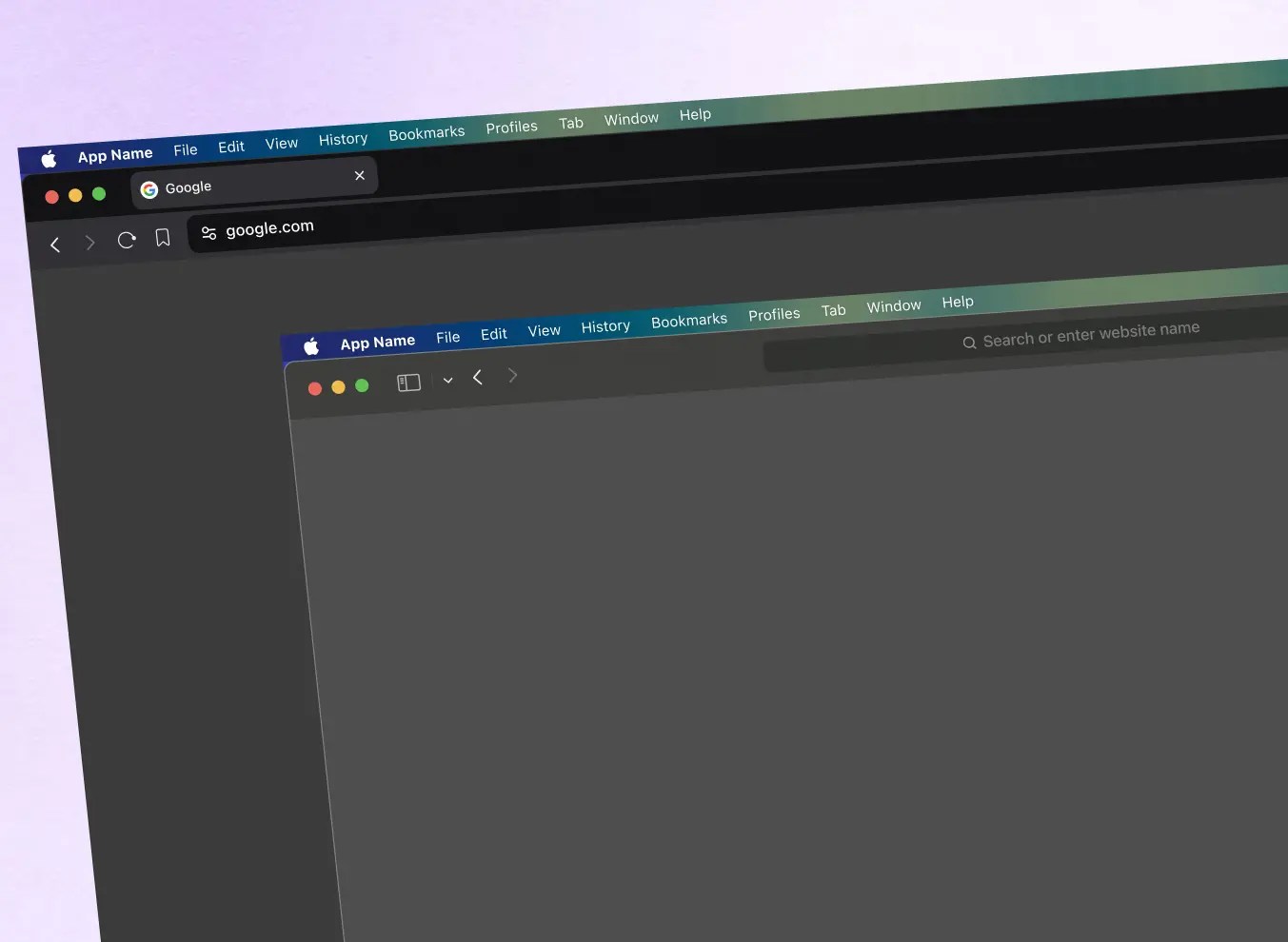
macOS Browser UI Kit – Dark theme
Resizable Chrome, Safari, and Brave windows appear in this dark macOS browser kit for Figma. The matching dark frames provide a consistent setting for dashboard screenshots and dark web interfaces.
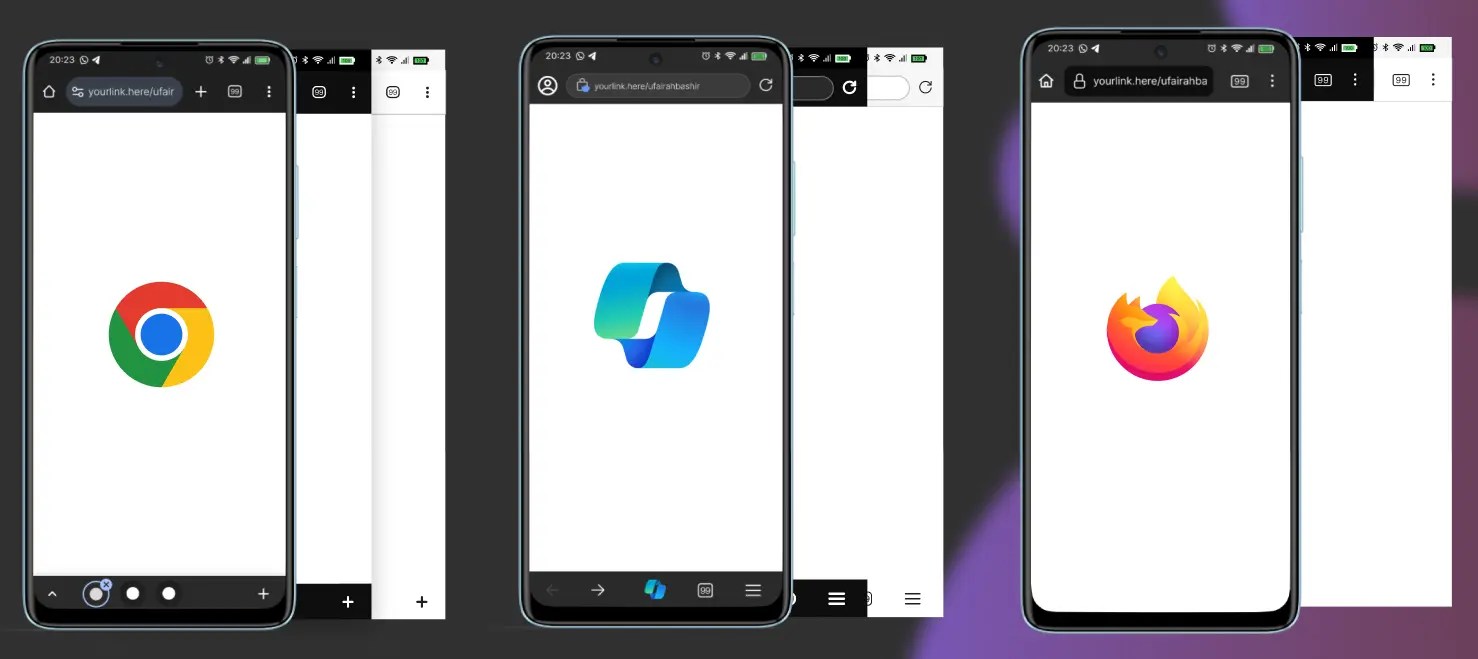
Android Mobile Browser Mockup
Three Android browser frames—Chrome, Edge, and Firefox—in one Figma resource. The mobile address bars and controls provide recognizable context for narrow website and web-app screens.
Chrome Browser: Modes + Interactions + Responsive
The Chrome window in this Figma resource has modes and interaction states alongside responsive layouts. It is useful for showing how a web interface behaves within a familiar browser frame.
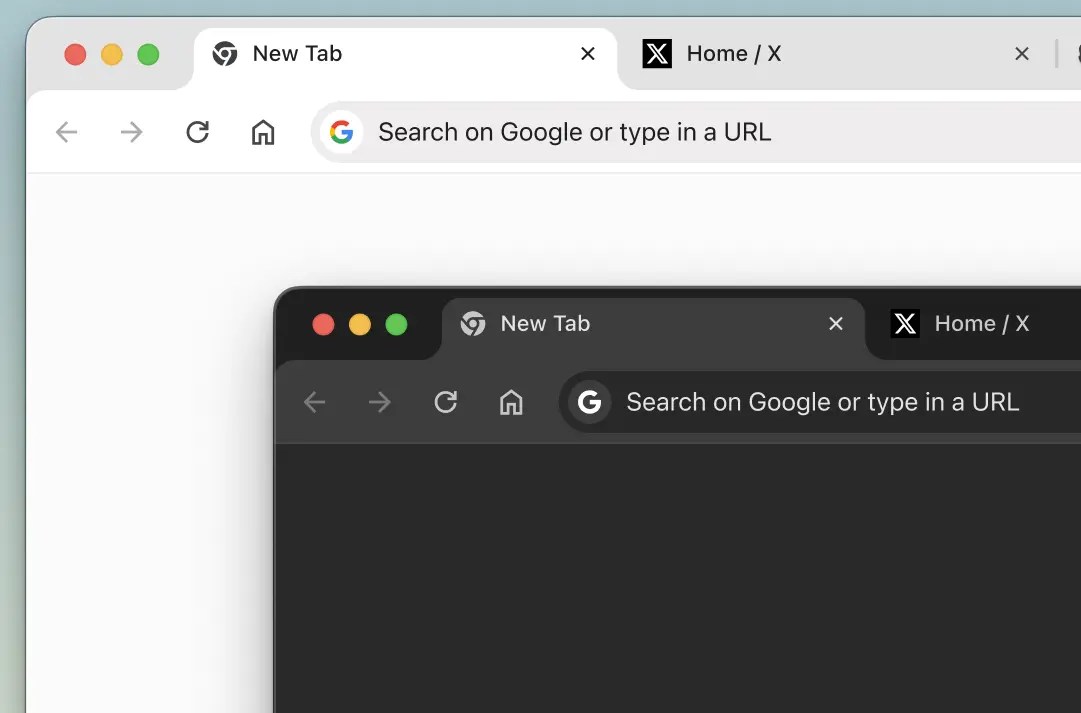
Chrome Frame Mockup
This desktop Chrome frame includes tabs, navigation buttons, and an address bar. The visible browser controls give website screenshots a recognizable setting for portfolio images and presentation slides.
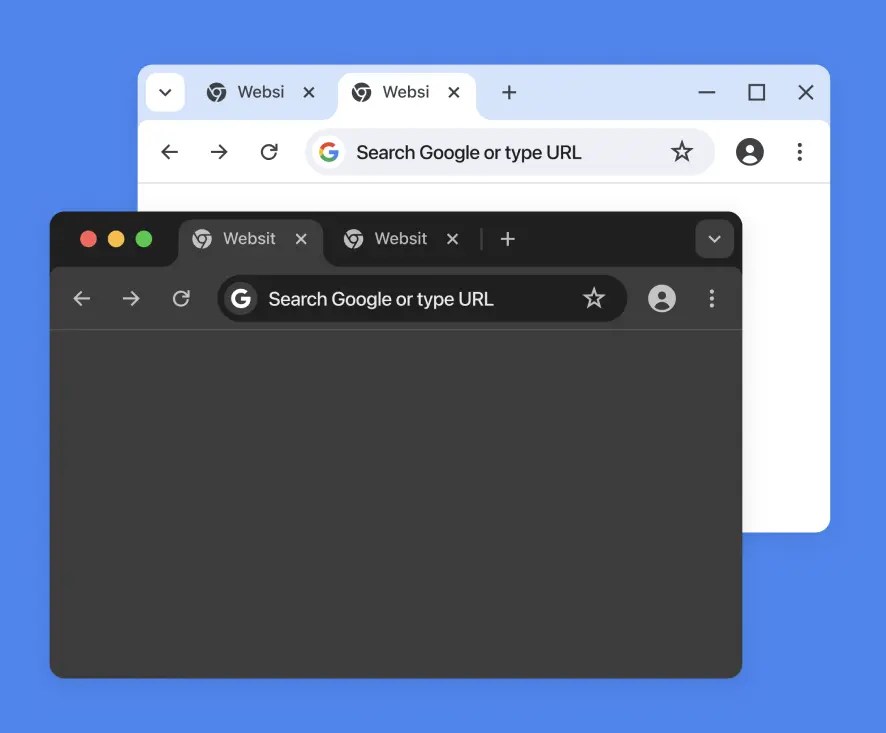
Simple Google Chrome Browser
Light and dark Chrome window variants come together in a simple Figma component set. Their understated styling leaves the webpage artwork in focus.

Browser Mockups Figma Kit
Eight browser designs, each offered in light and dark versions, make up this Figma kit. The range is useful for presenting website screens across several desktop browsers.

Web Browser Mockup (Auto Layout / Editable)
An editable browser window built with Figma Auto Layout. Resize the frame around a webpage or dashboard preview when preparing layouts for different presentation widths.

Web Browser Mockup Desktop
This Figma desktop mockup uses an adjustable Chrome-style browser frame. The simple composition keeps the website screenshot prominent.

Google Chrome UI Kit
A macOS-style Chrome UI kit for Figma, with browser navigation and window controls. It provides a familiar frame for desktop website previews.

Plain Chrome Window Mockup
A plain Chrome window for Figma with very little visual decoration. Use the open content area for a webpage or dashboard screenshot when detailed browser chrome would distract from the design.

Google Chrome Desktop Template
Auto Layout and constraints make this Google Chrome desktop template responsive in Figma. The browser elements are editable, including the window around your website screenshot.

Chrome & Safari Browser Mockups
A Figma set featuring Chrome and Safari browser windows. The two browser treatments offer different desktop presentation styles for the same website design.

Web Browser Mockups
Light and dark Chrome and Safari windows frame the website artwork in this mockup set. Their familiar browser headers suit product screenshots and redesign case studies.

Google Chrome UI Kit Figma
An earlier Chrome UI kit for Figma. Its period-specific toolbar and window design are useful when recreating an older desktop browser presentation.

iPhone Browsers Safari & Chrome (iOS 15)
iPhone-sized Safari and Chrome frames are provided for the iOS 15 era. Their release-specific mobile controls are relevant to archived iPhone UI designs.

Realistic Chrome Browser (Mac OS)
Auto Layout shapes this realistic macOS Chrome interface in Figma. The adjustable window is intended to frame landing pages and web-app screenshots.

Google Chrome UI Kit
This preview highlights an additional Chrome browser layout from the Figma UI kit. It offers another view of the window and toolbar elements.

Browser Mockups for Figma
A Figma collection with several browser-window designs. It gives portfolio screenshots familiar browser framing and a choice of window appearances.

Chrome Dark UI (Sketch)
Dark Chrome controls distinguish this Sketch browser UI. Its older interface styling is relevant to legacy dark-mode presentations.

Responsive Web Browser PSD Mockup
A PSD browser-window mockup for showing responsive website designs. It can frame a desktop screenshot alongside smaller-screen variations in a portfolio case study.

Browser UI For Sketch
A desktop browser UI template for Sketch. The screenshot area and surrounding controls are useful for presenting websites with a classic browser-window look.

Google Chrome Dark Mode For Sketch
A dark Chrome interface in Sketch, with browser controls adapted to a night-mode appearance. It can complement older dark-themed website or dashboard screens.

Free Chrome Mockup 2018 For Illustrator
An Illustrator mockup of the Chrome browser interface from 2018. Use its vector artwork where a project calls for that particular version of the browser.

Google Chrome 69 Sketch Template Mockup
A Sketch template based on Chrome 69. Its version-specific tabs and toolbar are a reference for web designs and screenshots from that period.

Free Web Browser mockup
A browser-window mockup supplied in AI and PSD formats. It can frame a website screenshot for a static illustration, poster, or portfolio image.

Free PSD: Flat Chrome Browser
A flat Chrome browser-window PSD with a deliberately simple presentation. Its styling is characteristic of earlier flat-interface designs.

Chrome Browser Mockup
A Photoshop Chrome mockup with editable browser elements and three background choices. It is intended for static presentations of website screens, particularly those using a more stylized Chrome window.
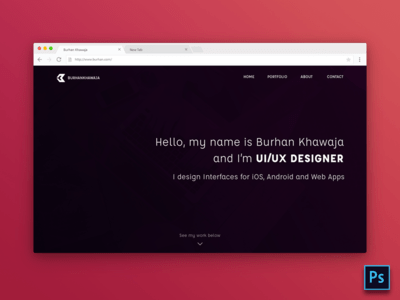
Chrome Browser Template
A classic desktop Chrome frame for presenting a website screenshot. The older toolbar gives it a different character from the current Figma resources above.

PSD Mockup for Chrome Browser on Windows
A Windows-style Chrome browser PSD with editable vector elements and a Smart Object for replacing the website screenshot. The Windows toolbar makes this a distinct alternative to the macOS Chrome frames above.

Flat Chrome Browser Free Psd
A flat Chrome PSD with little decoration around the content area. It is a straightforward choice for a traditional website preview image.

Flat Chrome vector freebie
A vector Chrome browser freebie that can be scaled for different graphic sizes. Its simplified window controls suit flat illustrations and presentation artwork.

Clean Browser Mockup
A subtly detailed browser PSD with a clean desktop window. The restrained frame directs attention to the webpage displayed inside it.

Free Google chrome PSD
A Photoshop mockup of an early Chrome browser window. The file is most relevant when presenting websites built around that version’s appearance.

Chrome Browser Mockup (PSD)
A Chrome browser PSD built from scalable Photoshop vector shapes and icons. The original design file provides more control over window dimensions than a flattened screenshot.

Flat Window Chrome PSD
A flat browser window in PSD format, with minimal Chrome controls and a wide screenshot area. It provides a quiet setting for website presentation graphics.

Chrome Browser PSD Download
This Chrome PSD captures the tab and toolbar styling of an earlier browser release. It is useful when the presentation needs that particular browser appearance.
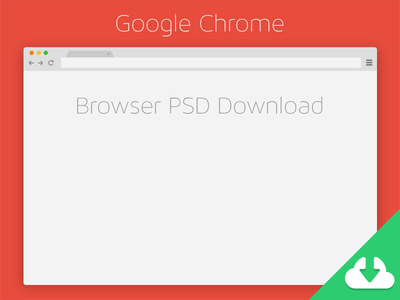
Flat Chrome
A simplified flat Chrome window with minimal navigation details. Its graphic treatment works as a lightweight frame for website artwork.

Google Chrome – Browser
An early Chrome-style browser window for static screen presentations. The older design may be useful for showing historical websites in their original visual context.

Flat Psd Browsers Set
Chrome, Safari, and Firefox windows are included in this flat PSD set. Smart layers let designers insert a website screenshot into the browser they need.

Next Page: Firefox Browser Mockups


Be careful what I search for! Wow. Thanks.
why 99% are from safari when 99% of the users on the web are using other browsers? i don’t get you designers. thanks for sharing, btw! ;)
Maybe because Apple is (or was) considered the State of Art Brand!?